Swipe through your photos. Brush off what you don’t need.
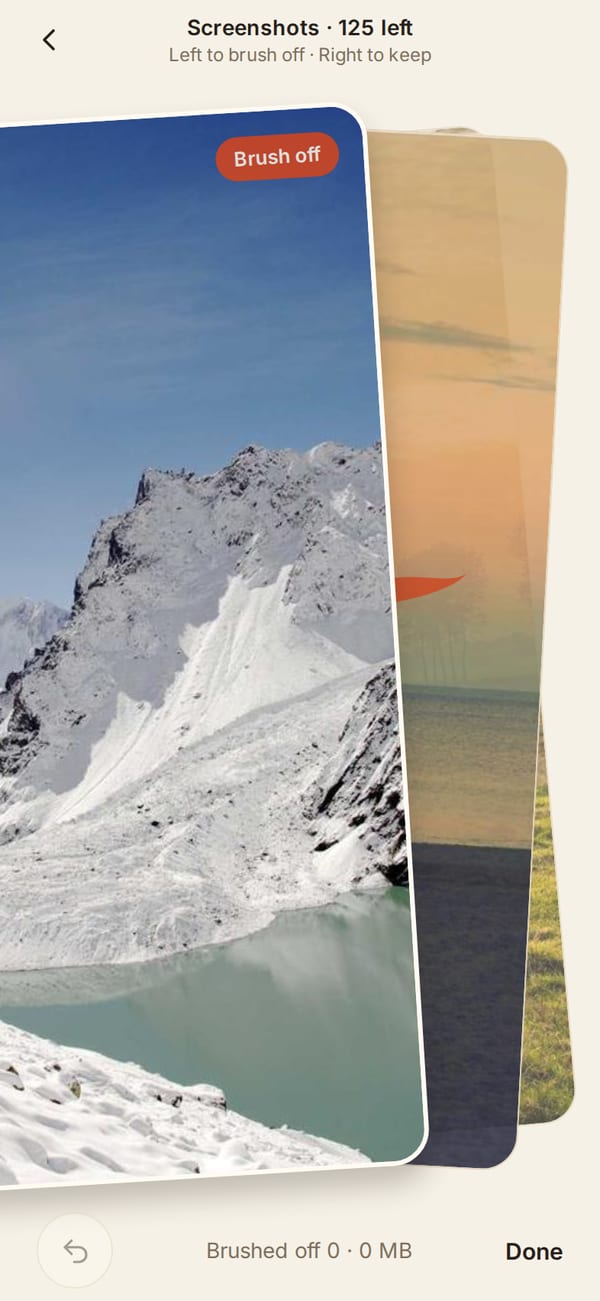
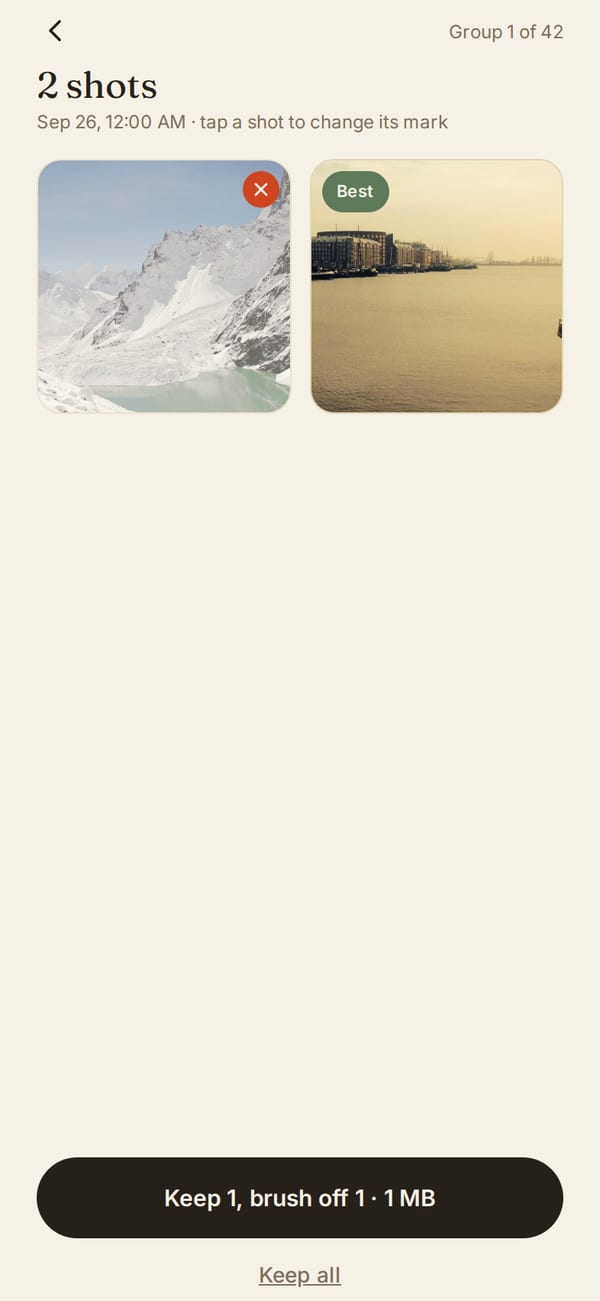
Brushoff finds the big videos, screenshots, screen recordings, similar shots and blurry photos that fill your iPhone. Swipe left to brush off, right to keep. You see everything before it goes.
Coming soon to the App Store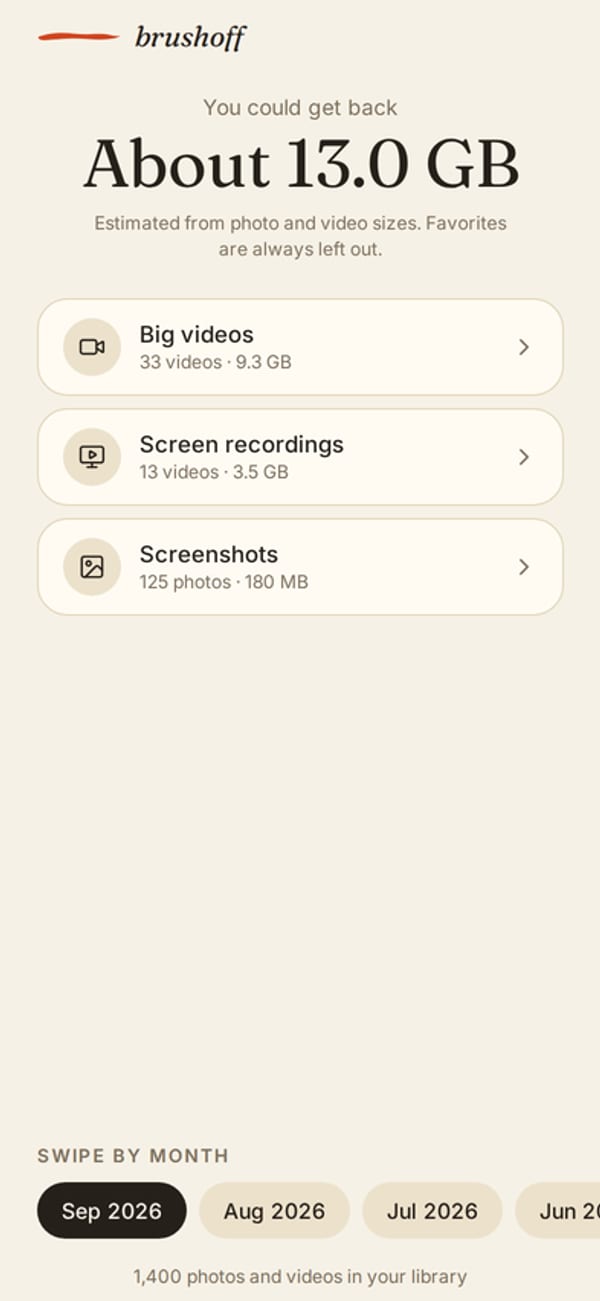
Your photos stay on your iPhoneEvery photo is looked at on the phone itself. No account, no photo upload, no cloud.
Nothing goes without your OKYou review what you brushed off before anything is deleted, and deleted photos stay in Recently Deleted for 30 days.
See the space firstBrushoff shows how much you could get back before you pay anything.